
Features
Built for the way students actually work
Every feature in AvenuePlus solves a real problem university students hit — from LMS chaos to Notion setup fatigue and Mosaic schedule planning.
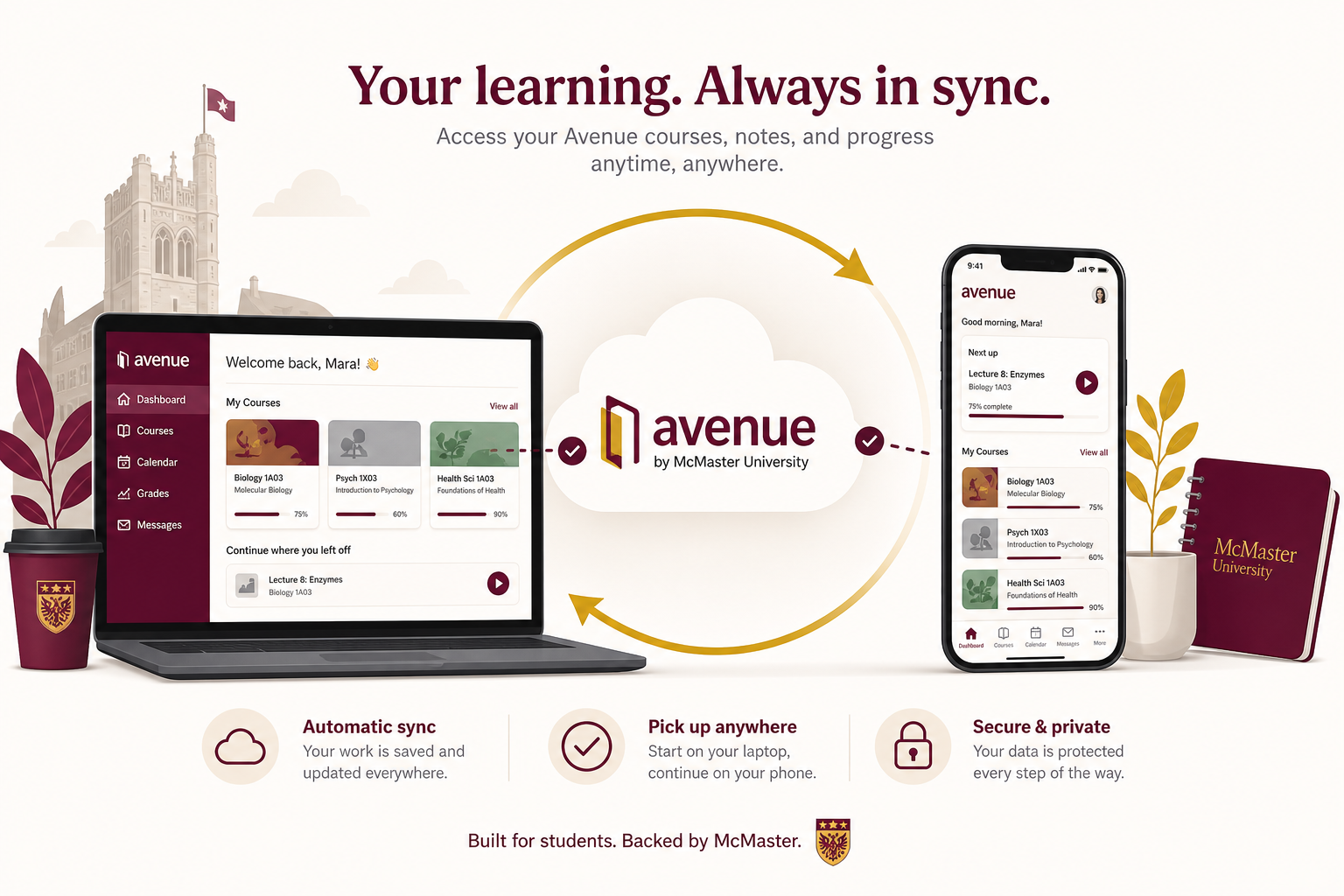
Live Avenue sync
Open the app. Your data is already fresh.
AvenuePlus connects to Avenue to Learn with your MacID and pulls courses, assignments, quizzes, grades, announcements, and submission files — automatically on every login.
- ✓Background sync when your session is valid
- ✓Bookmarklet fallback if MFA gets tricky
- ✓Encrypted credential storage
Deadline intelligence
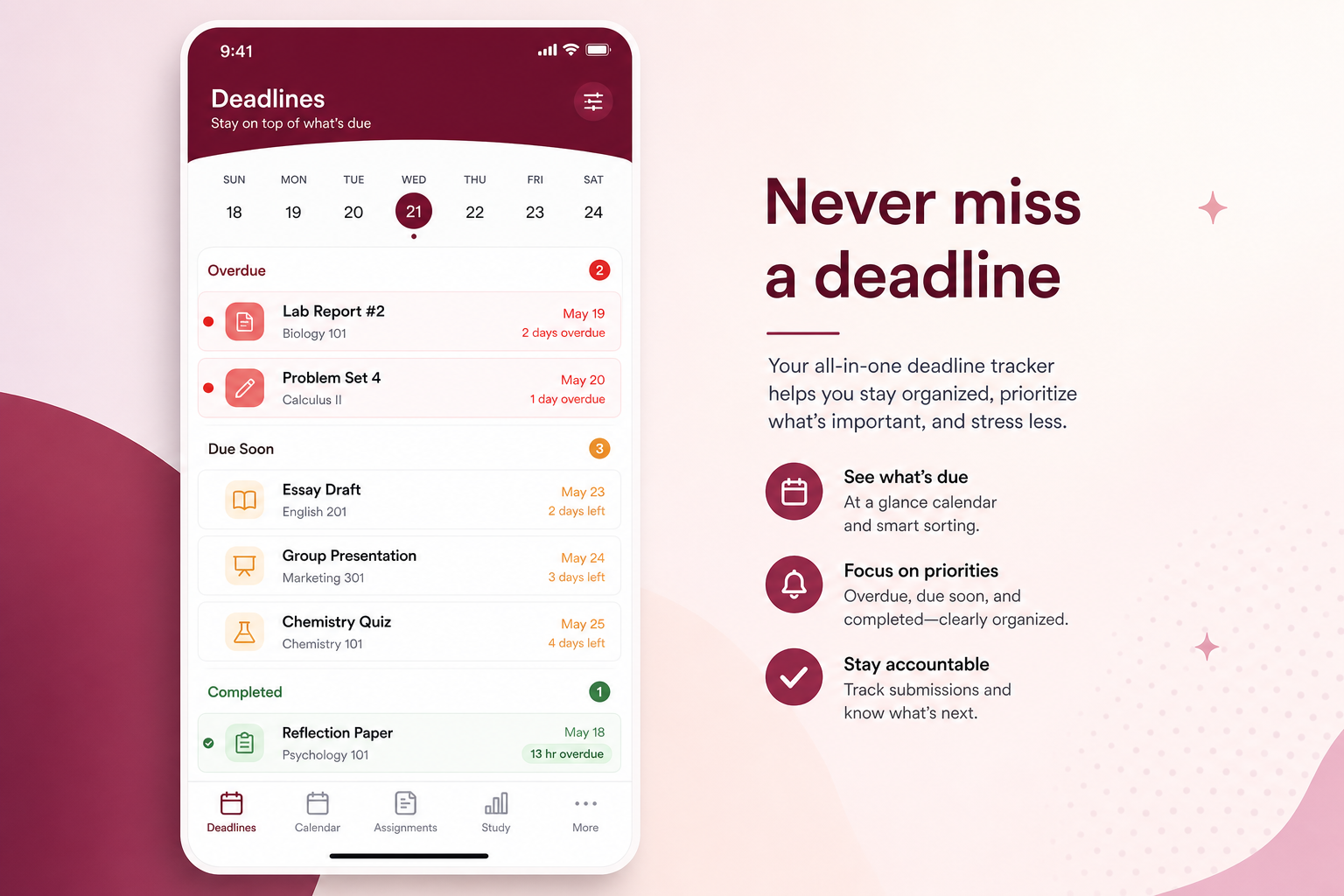
Never miss a due date — or wonder if you're late.
Assignments due within 30 minutes flash red. Overdue items you haven't submitted glow urgent. Already submitted but late? Green badge with your submission time and hours overdue.
- ✓Sorted by due date across all courses
- ✓Submitted vs pending vs overdue states
- ✓Expand in-place for materials & rubrics
Grade overview
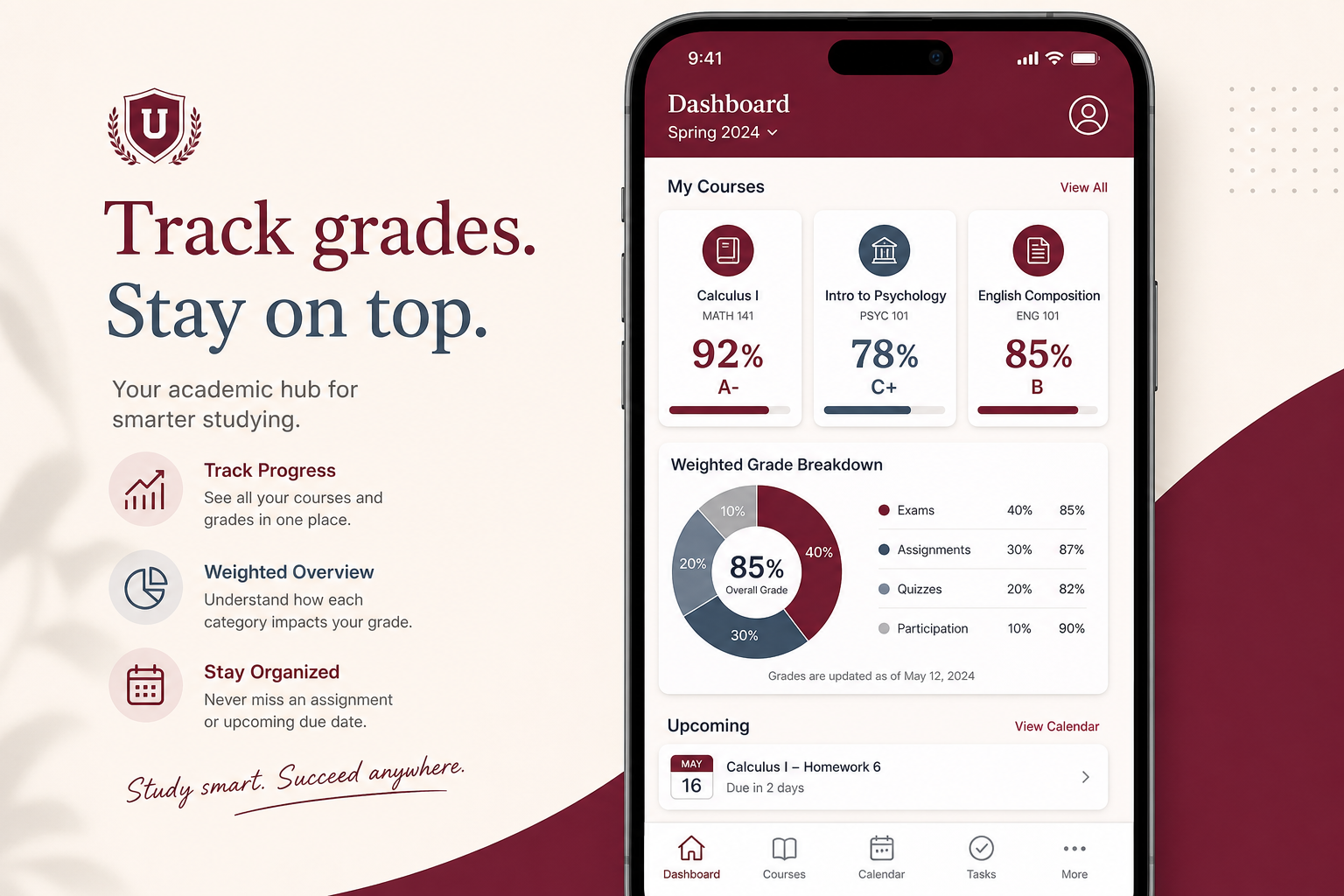
Weighted grades from your actual course outlines.
AvenuePlus reads each course's gradebook structure — category weights, item weights, and released scores — and calculates your standing the same way your syllabus does. No manual formulas.
- ✓Weighted calculations based on course outline structure
- ✓Earned weight out of 100 with graded vs pending breakdown
- ✓Letter grades and current percentage per course
- ✓Auto-updates when Avenue releases new grades
Assignment workspace
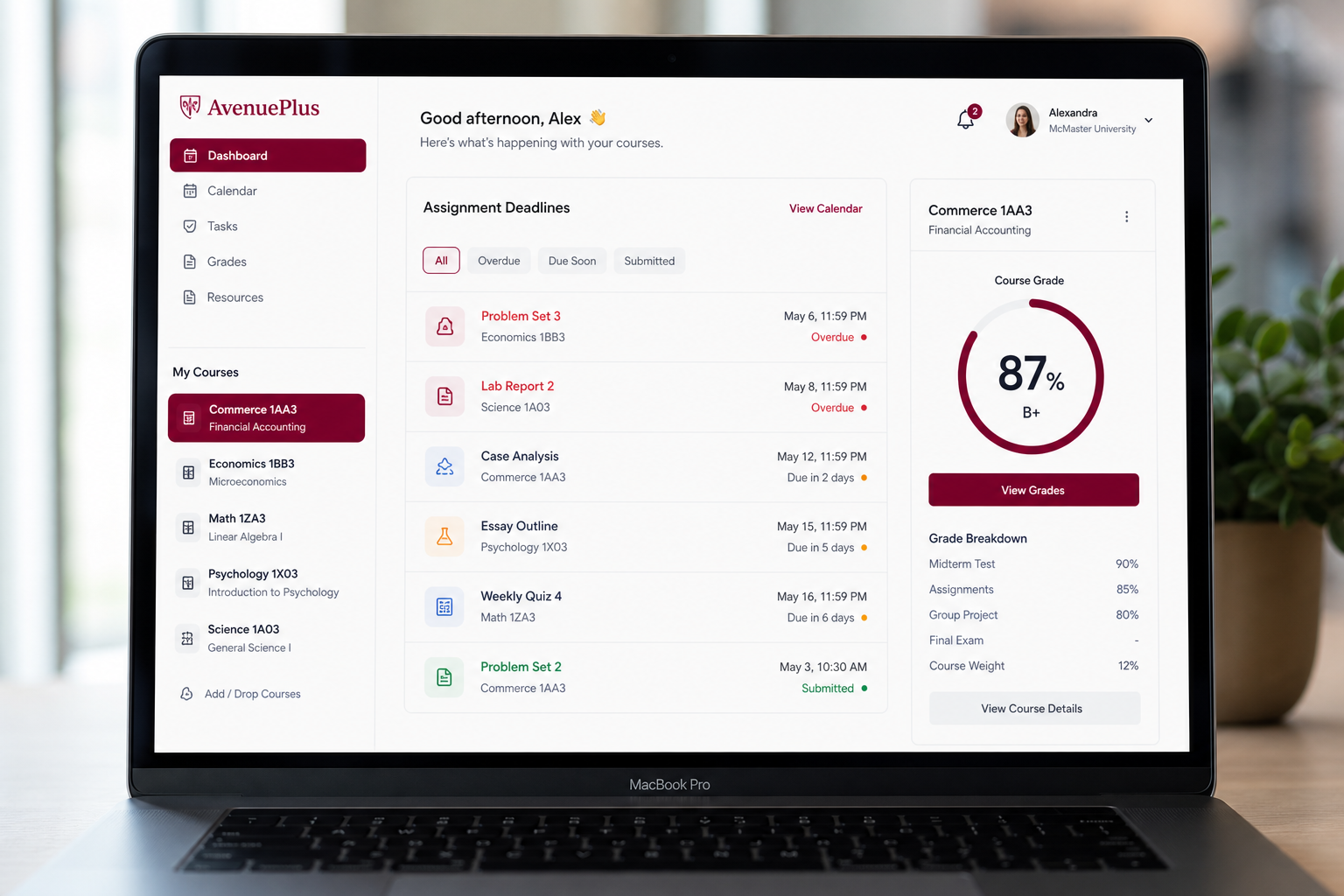
Everything you need to submit — without leaving the app.
Click any assignment to expand instructions, course materials, what-to-submit checklist, rubric info, and files you've already uploaded to Avenue.
- ✓PDF & video preview inline
- ✓Requirements checklist (3/3 submitted)
- ✓Open on Avenue in one click
Academic planner
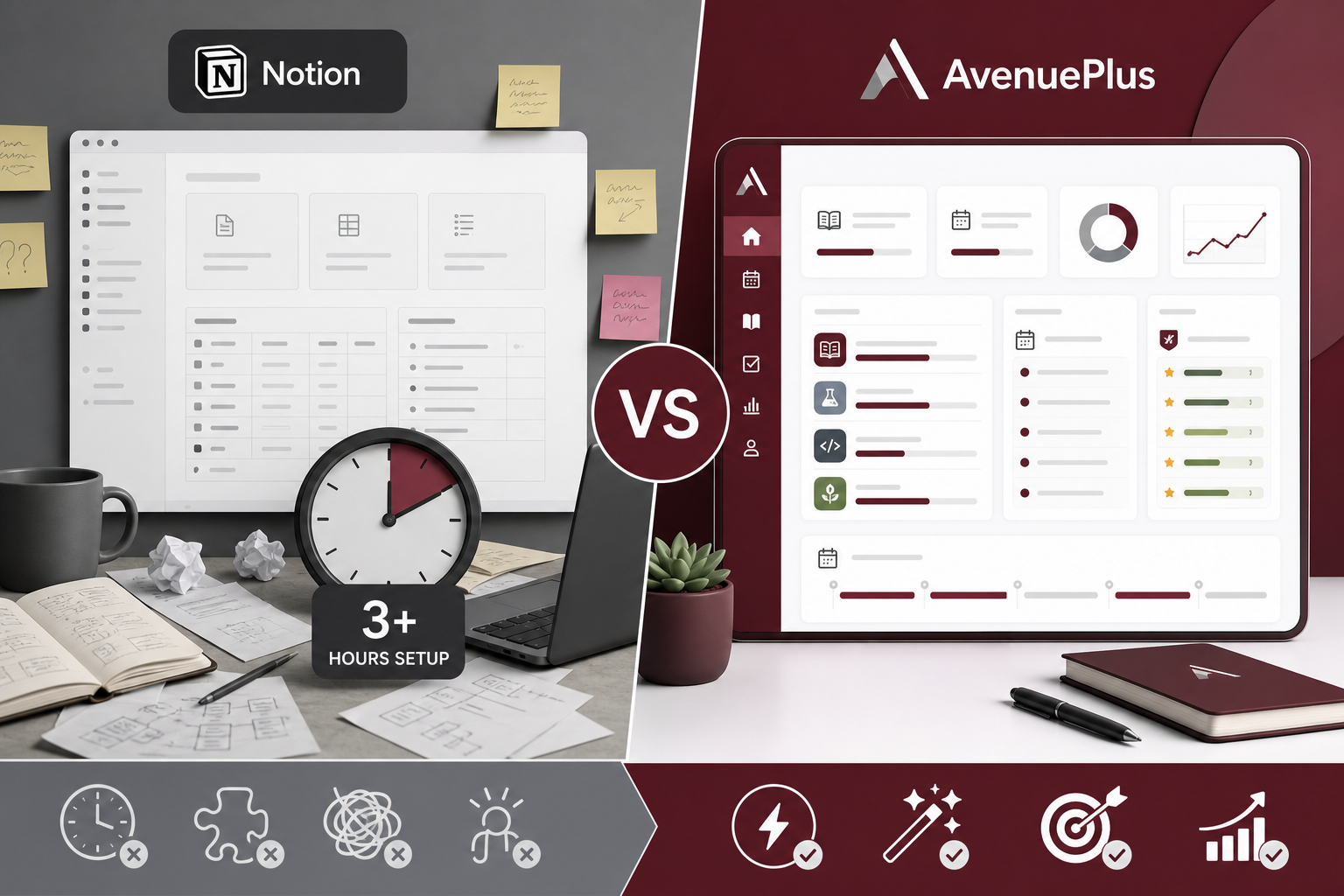
Everything you'd build in Notion — built for McMaster, kept current automatically.
Students spend hours wiring Notion databases for courses, deadlines, and grades — then manually update them all term. AvenuePlus is purpose-built for McMaster students: grades, course outlines, and deadlines auto-update from Avenue sync.
- ✓Grades and course outlines stay current — no manual refresh
- ✓Term-aware planner populated from live Avenue sync
- ✓Weighted grade tracker with syllabus-accurate breakdowns
- ✓Zero Notion setup — ready in minutes for McMaster life
Mosaic connector
Your ideal next-semester schedule — found for you.
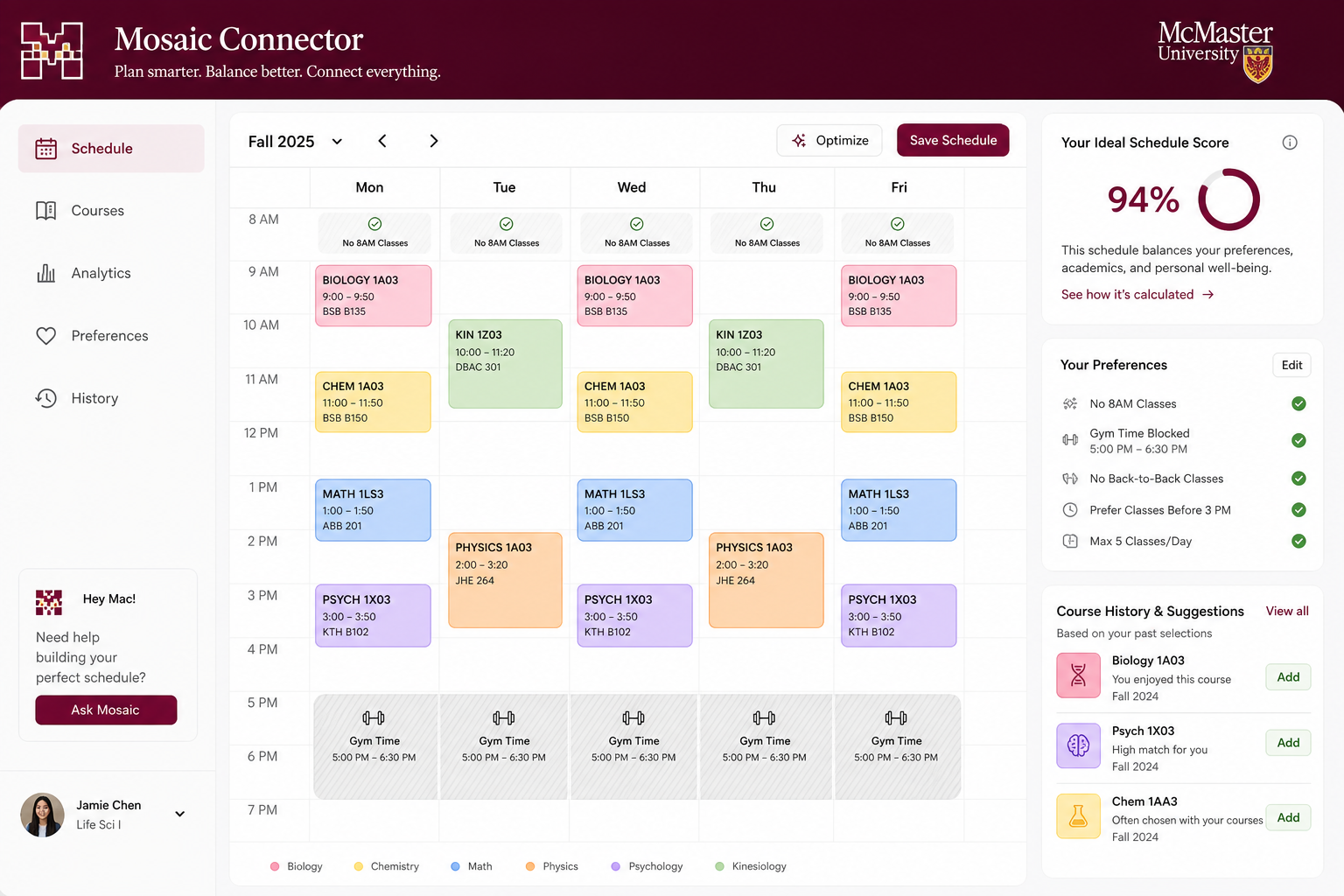
Connect to McMaster Mosaic, tell us your availability and preferences, and AvenuePlus ranks timetable options that fit your life. It reads your course history, checks prerequisites, avoids conflicts, and can export a ready-to-use schedule.
- ✓Pulls live sections from Mosaic course offerings
- ✓Respects blocked times — work, gym, no 8 a.m. classes
- ✓Uses your transcript history & program requirements
- ✓Ranked schedules with conflict-free timetable export
Want to see it in action?
Try AvenuePlus freeReady to take control of your semester?
Join McMaster students using AvenuePlus to stay on top of Avenue.
Get started freeYour command centre for D2L and Brightspace — live sync, smart deadlines, grades, and assignments in one place.