
How it works
From sign-up to synced in 5 minutes
Connect your MacID, run one sync, and AvenuePlus handles the rest — including auto-refresh every time you log in.
Step 1
Create your account
Sign up with your email in under a minute. AvenuePlus keeps your data private — we never share your grades.
💡 Use your McMaster email if you have one; it makes reconnecting easier.
Step 2
Connect Avenue to Learn
Sign in with your MacID and password. Approve MFA on your phone when prompted — the same flow you use on Avenue.
💡 Your credentials are encrypted and used only to sync your own courses.
Step 3
Run your first sync
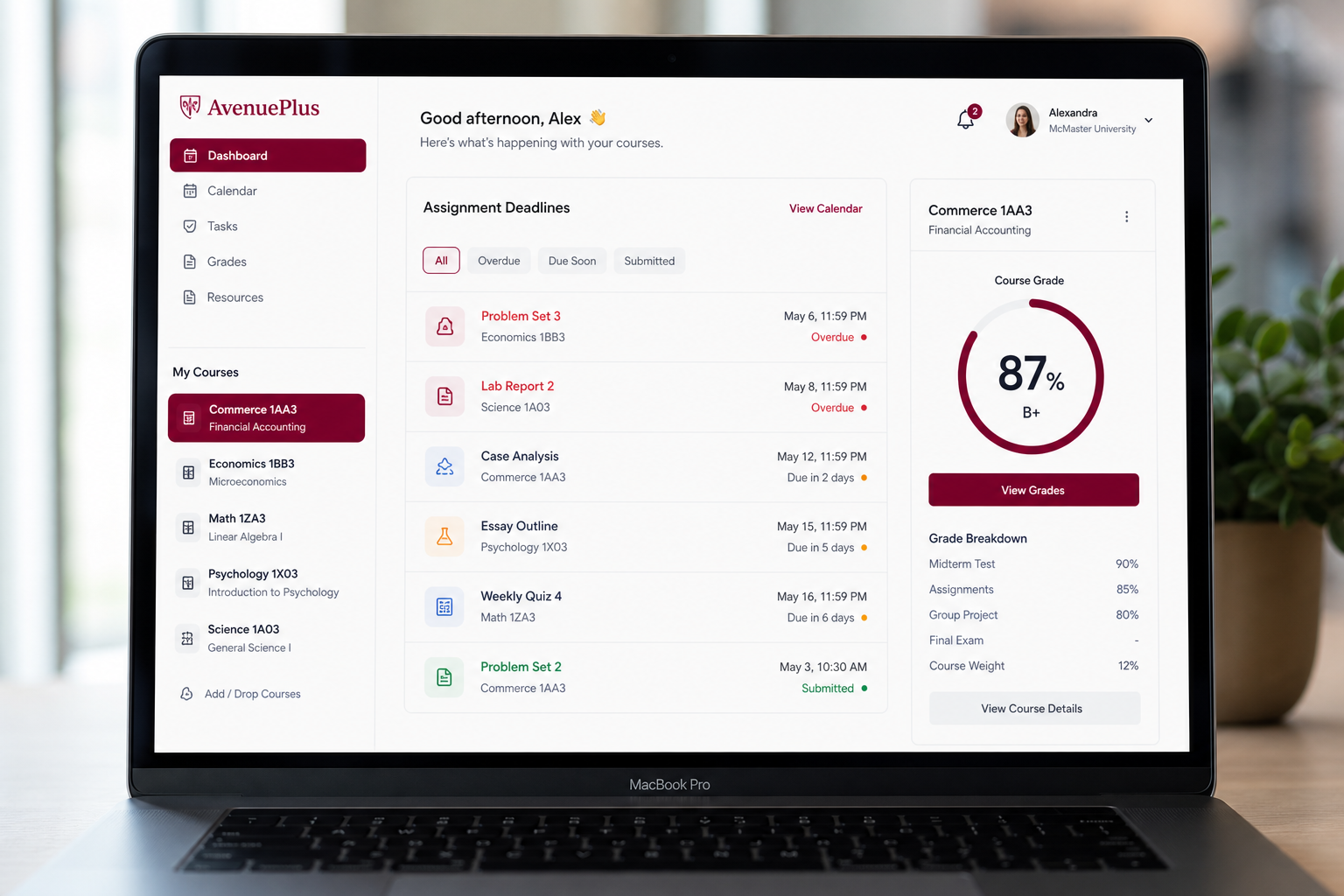
Hit Sync Avenue on the dashboard. We pull courses, assignments, quizzes, grades, and announcements automatically.
💡 Only your current-term courses show as active — old enrollments are filtered out.
Step 4
Track deadlines & submissions
See what's due soon, what's overdue, and what's submitted (including late submissions with hours-overdue counts).
💡 Click any assignment to expand materials, rubrics, and what to submit.
Step 5
Stay synced automatically
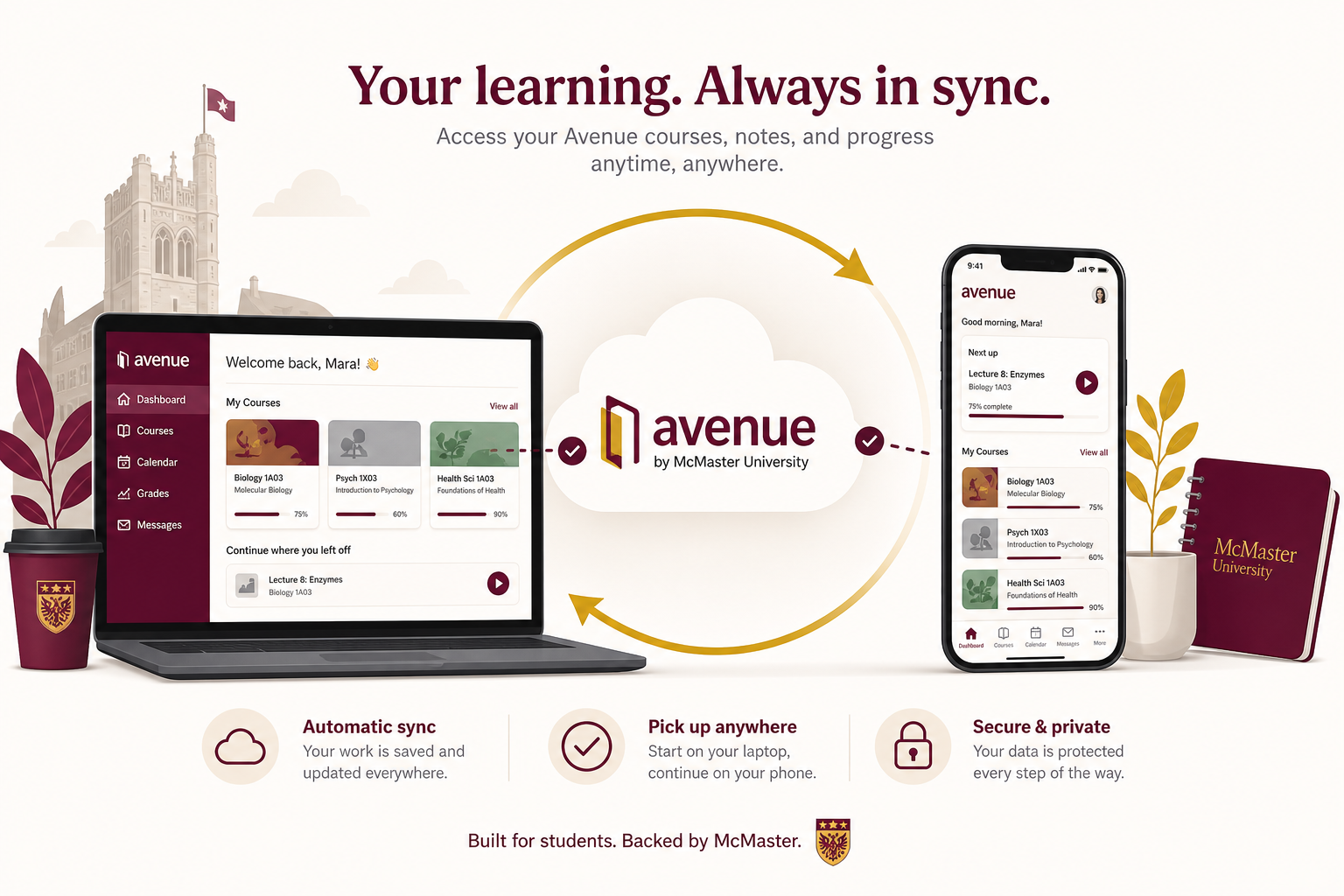
Every time you open AvenuePlus with a valid session, we refresh your data in the background.
💡 If your session expires, use Setup to reconnect or run the bookmarklet while logged into Avenue.
Bookmarklet backup
If automatic sign-in fails, drag the Avenue Import bookmarklet from Setup while logged into Avenue. One click imports everything.
Full troubleshooting guideSet it up once. Stay synced all term.
Join McMaster students using AvenuePlus to stay on top of Avenue.
Get started freeYour command centre for D2L and Brightspace — live sync, smart deadlines, grades, and assignments in one place.